
By Mood Agency · Published on
In this guide
The best CRM for an industrial business is the one your team will actually use. A common risk is asking for too much data without showing salespeople why recording it helps. Start small and make it useful for the salesperson before the manager.
The five essentials
- Keep companies, contacts and opportunities in one place.
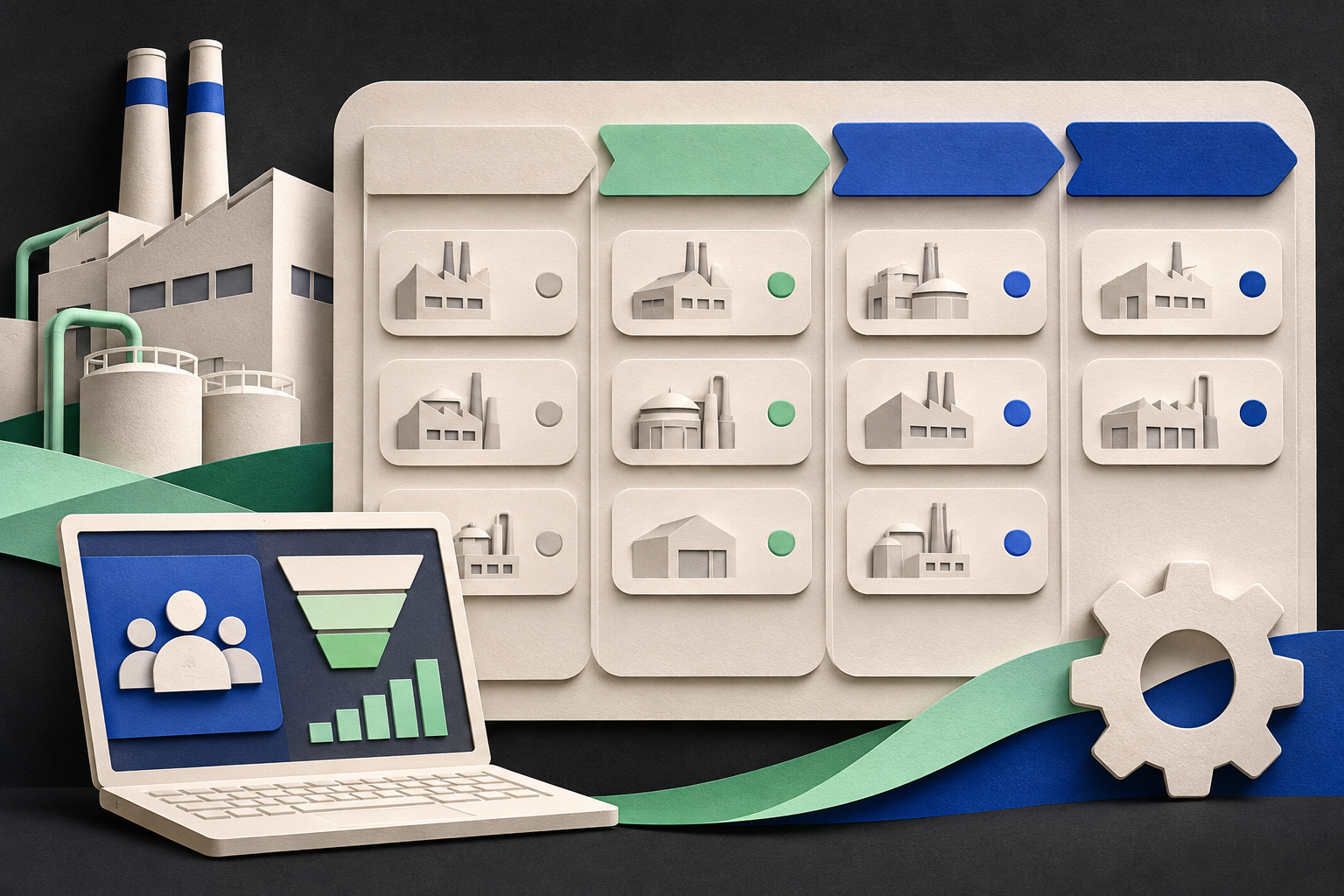
- Show each sale's stage, from quote to close.
- Track the next step with a due date and an owner.
- Work on mobile, because industrial salespeople spend time in the field.
- Connect to email and website forms to avoid duplicate data entry.
These five features are a starting point. Also review permissions, data export, security, integrations, support and total cost.
How to choose
| Question | Why it matters |
|---|---|
| How many people will use it? | Determines the real cost |
| Does it connect to what we already use? | Avoids duplicate data entry |
| Is there a free plan or trial? | Lets two salespeople test it before you pay |
| Who will administer it? | Without an owner, it gets abandoned |
We don't recommend one brand for everyone: the right choice depends on your size and systems. Compare options using a real operational scenario, not just a feature list.
Why nobody updates it—and how to fix that
- It asks for too much. Require five fields, not twenty.
- It feels like surveillance. If salespeople get nothing in return, they'll see it as punishment. Give them useful reminders and summaries.
- Everything is entered manually. Use AI to turn voice or text notes into records.
- Leadership doesn't use it. If sales meetings run on Excel, the CRM fades away. Review it together every week.
Once records are reliable, you can automate follow-up and qualify leads with clear rules.
Try this today
- List the five details you truly need for each opportunity
- Choose two salespeople for a 30-day trial
- Run your next sales meeting from the CRM rather than a separate spreadsheet
Frequently asked questions
Do we need a CRM if our sales team is small?
Yes, once there are more quotes than one person can remember.
Can we use a spreadsheet?
To get started, yes. It falls short when you need reminders and a history of interactions.
How long does implementation take?
It depends on migration, integrations and adoption. Define a pilot first, then estimate the timeline from the actual tasks.
Want help choosing and implementing a CRM? Get in touch. Explore our marketing and process automation service.
Examples and templates are for guidance. Adapt the criteria to your operations and verify information before using it commercially.
From idea to implementation
Tell us what your business sells, who you serve and what you'd like to improve.
Let's talk about your project